
Installation of photorealistic rendering with MegaPOV
The rpDesigner is capable of generating photorealistic images through the use of the freely available MegaPOV. MegaPOV is an extension of the raytracing software POV-Ray.
More information about MegaPOV can be found at http://megapov.inetart.net.
More information about POV-Ray can be found at http://www.povray.org.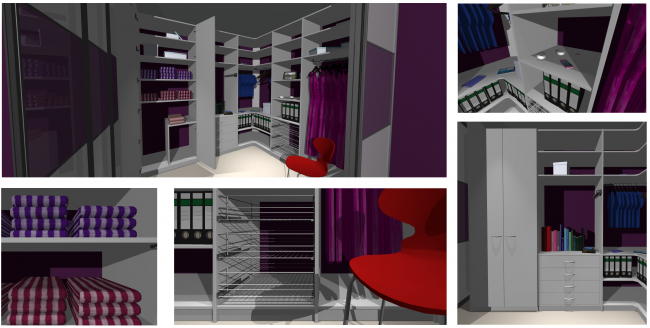
More information about POV-Ray can be found at http://www.povray.org.
Automatically installation of MegaPov
The installation can be afford by updating the rpDesigners via Online-Update .
Manual download and installation of MegaPov
1. Download the current version of MegaPOV.exe from https://rpdesigner-update.raumplus.de/tools/megapov.exe
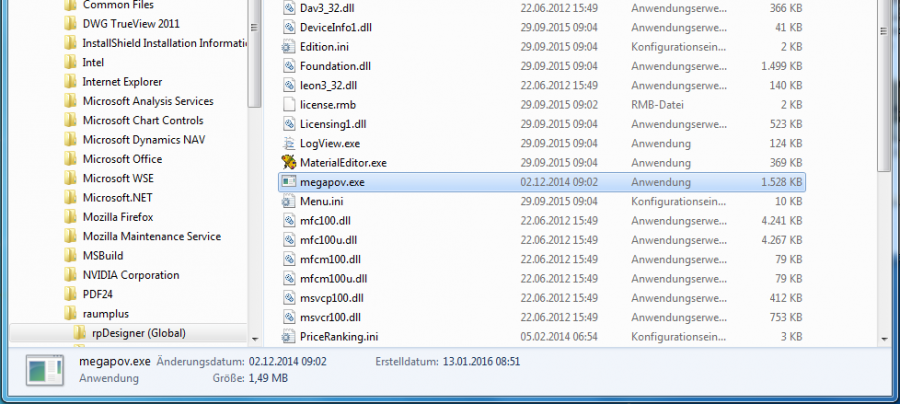
2. Copy the MegaPOV.exe folder into your rpDesigner installation folder directory
(usually C:\Program Files\Raumplus\rpDesigner)
Now you can immediately start rendering images in the rpDesigner using the Camera-Tool in the 3D-View.
Installation of photorealistic rendering with MegaPOV