
Functions of the RP Designer
General
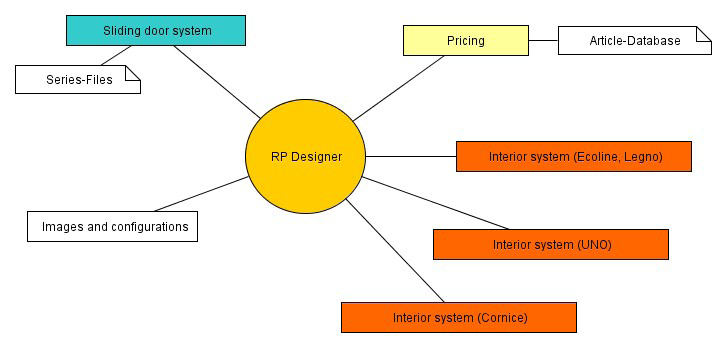
The rpDesigner offers the ability to create sliding-door fronts and interior systems such as corner systems, U-forms, or niches. Closet systems can be fitted in “virtual rooms”; all types of sloping ceilings and angled walls can easily be created. With the help of several decoration objects like chairs, tables, etc. you can create complex room designs.
Operation
The operation of this program is very flexible, in other words you can create many different possible room designs.
Use the graphical surface and work with the mouse or with the prompt bars. With the assistant you can create a project in two windows.
With the help of the toolbar it is easy to find the functions.
Accessories and animations
You can insert all raumplus accessories in your projects and animate them. For example, you can show your customer how to use a clothing lift.
The animations are very helpful to show that elements do not run into others.
Export
You can print views and design drawings with measures or the whole project as a CAD compatible DXF-file. Orders and offers of customers can be printed as well.
Internal verification
If you don’t know raumplus products very well, an integrated verification will help you to test the feasibility of your project and input.
Flexibility of the program
Many options in the menu can be adjusted to suit your personal project style.