
How to add customer details to documents
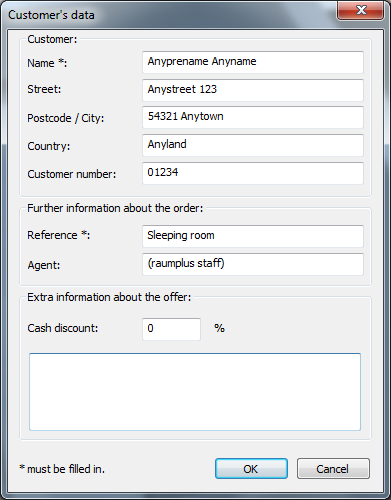
1. Main menu → 2.Edit → 3.Customer data… → edit Data
Example
Afterwords you can generate and print out the documents:
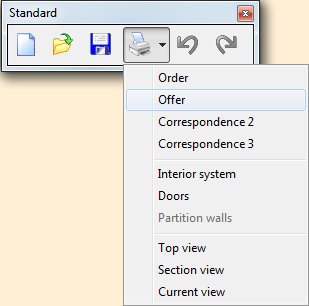
Select ‘Print’  and select Select ‘Offer’
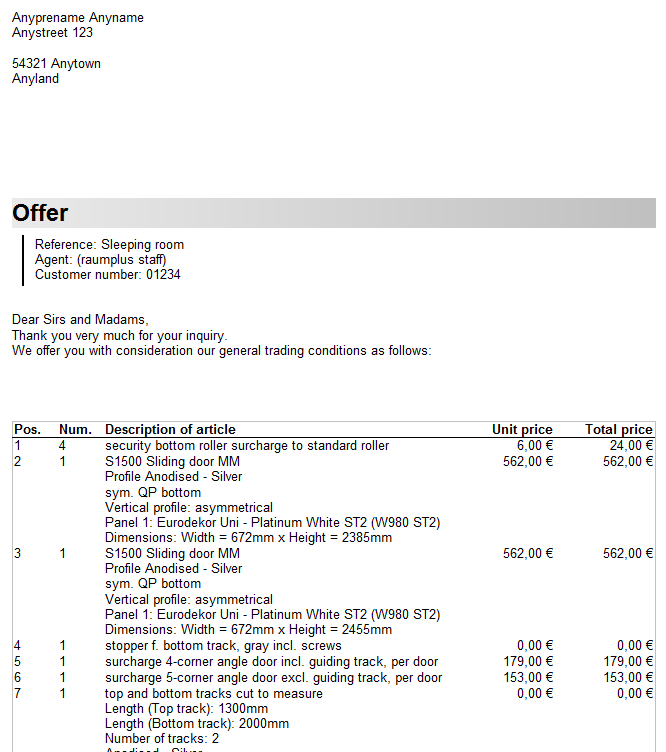
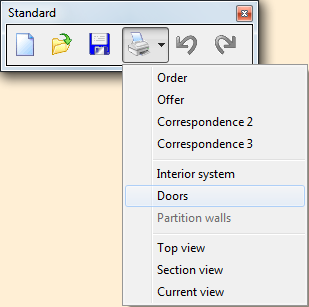
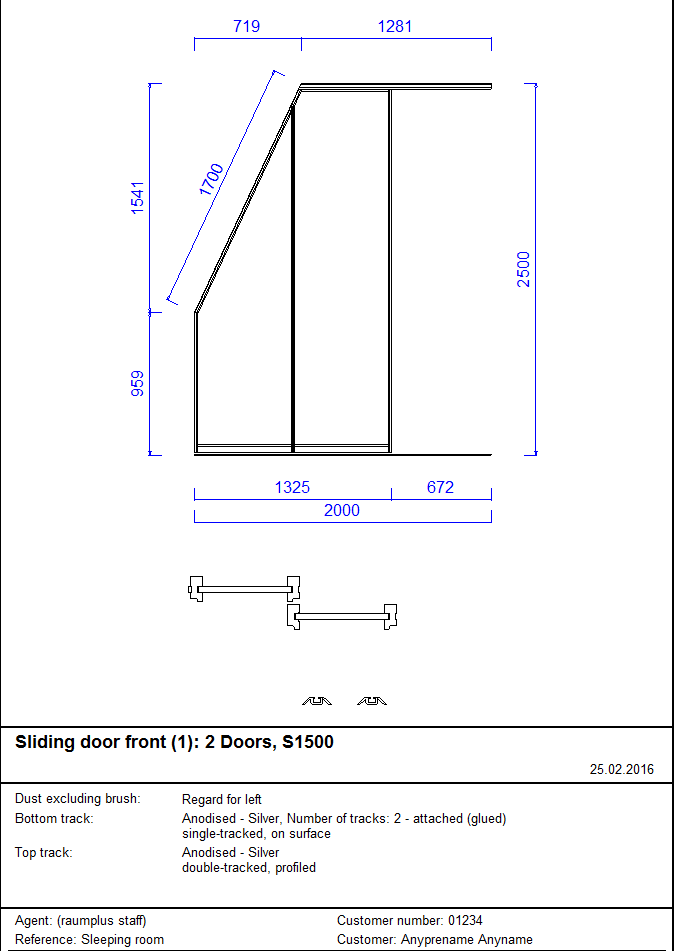
or at the selection Doors you can generate technical documents for the front:
How to add customer details to documents